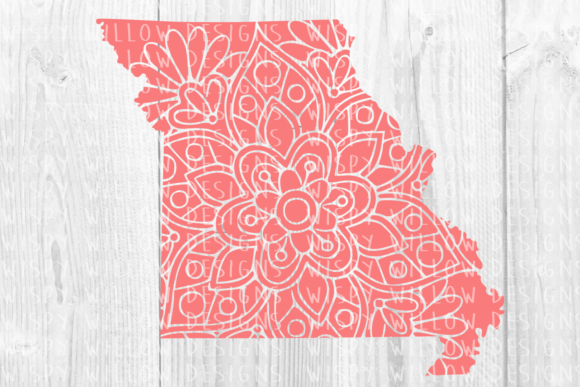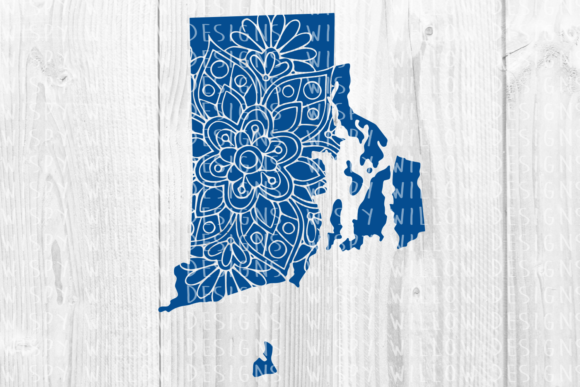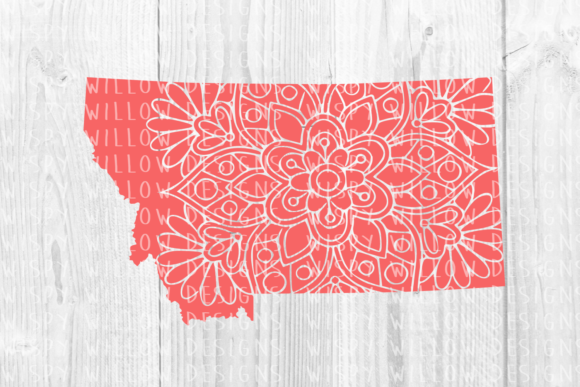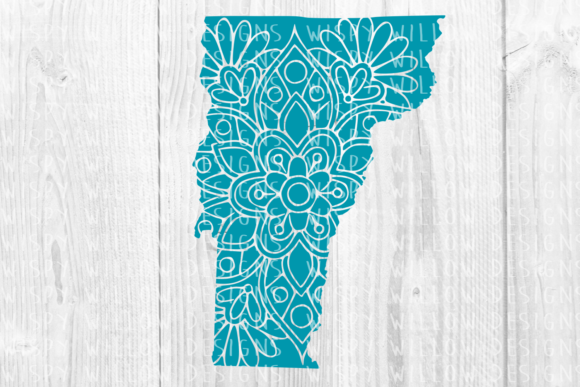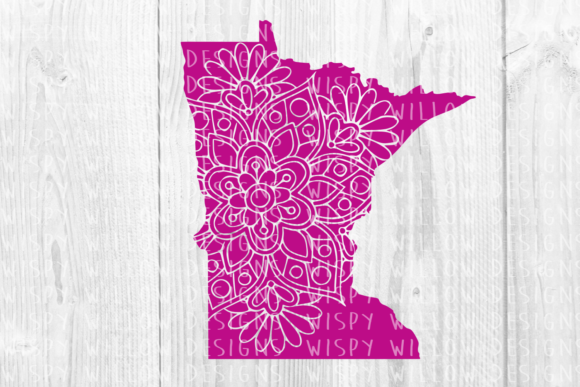
Minnesota MN Floral Mandala State Cut File
Celebrating state pride through design requires a balance of geographic recognition and artistic elegance. The Minnesota MN Floral Mandala State Cut File offers exactly this intersection, transforming the familiar outline of the North Star State into an intricate botanical composition. Rather than relying on a simple silhouette or standard text, this design integrates organic floral elements within the state borders to create a mandala effect that feels both traditional and contemporary. For creators, marketers, and hobbyists, this file serves as a versatile foundation for projects that need to communicate local identity with sophistication.
This digital asset is more than just a shape; it is a comprehensive toolkit provided in six distinct formats to ensure compatibility across various platforms and machinery. Whether you are operating a professional print shop or crafting at your kitchen table, having access to EPS, DXF, SVG, PDF, PNG, and JPEG files eliminates technical friction. This variety allows you to focus entirely on the creative application rather than troubleshooting file conversions. The transparent PNG and high-resolution JPEG are particularly valuable for digital mockups and web use, while the vector-based SVG, EPS, and DXF files ensure crisp lines for cutting machines and large-format printing.
Creative Applications for Apparel and Textiles
The most immediate application for the Minnesota MN Floral Mandala State Cut File lies in apparel design, where the detailed nature of the mandala shines against fabric textures. Because the design combines a recognizable map with delicate florals, it works exceptionally well on garments intended for women’s markets, boutique retail, or artisan craft fairs. When using heat transfer vinyl (HTV) or sublimation, consider how the complexity of the mandala interacts with your chosen material.
- Sublimation Printing: The intricate details of the floral mandala are best preserved through sublimation. This method allows for full-color gradients or watercolor effects that would be impossible with vinyl. Use the PNG file for direct printing onto polyester blends, creating soft-to-the-touch shirts that retain the design's nuance.
- Vinyl Layering: For Cricut or Silhouette users utilizing the SVG or DXF files, simplify the color palette. A two-tone approach using a solid state outline filled with a contrasting floral pattern often reads better on dark fabrics than a multicolor mandala. This reduces weeding time while maintaining visual impact.
- Embroidery Digitizing: The EPS file provides clean vector paths ideal for converting to embroidery stitches. The mandala structure naturally lends itself to satin stitches and fill patterns, making it perfect for denim jackets, tote bags, or structured caps.
When designing for apparel, always test the scale. A mandala that looks balanced on a computer screen may become too dense when shrunk to a pocket-sized decal. Conversely, expanding it across the back of a hoodie requires ensuring the line weight remains substantial enough to be visible from a distance. Utilize the scalable vector formats to adjust dimensions without losing edge quality.
Paper Crafts and Stationery Design
Beyond textiles, the Minnesota MN Floral Mandala State Cut File excels in paper goods where precision and texture play significant roles. Educators, event planners, and stationery designers can leverage this design to create items that feel bespoke and locally rooted. The inclusion of a PDF file makes this asset immediately accessible for those who do not own cutting machines but still require high-quality print materials.
For wedding stationery or event invitations, the mandala serves as an elegant frame or background element. Using the SVG file with a die-cutting machine, you can create lace-like paper overlays that add dimensional interest to invitation suites. This is particularly effective for Minnesota-themed weddings, corporate galas, or alumni events where the goal is to evoke a sense of place without resorting to cliché imagery. Pair the cut-out mandala with textured cardstock to enhance the tactile experience.
In educational or organizational settings, this design functions well as a branding element for certificates, awards, or report covers. The floral aspect softens the institutional feel of a state map, making it appropriate for arts organizations, botanical gardens, or community groups. When using the design for print, ensure you are working in CMYK color space if possible, or verify that the RGB colors in the provided files translate accurately to your specific printer profile to maintain color consistency across batches.
Digital Content and Social Media Branding
In the digital realm, visual consistency builds audience trust. Bloggers, influencers, and small business owners focused on Minnesota lifestyle, travel, or commerce can use the transparent PNG and JPEG files to establish a cohesive visual identity. Unlike raster images that pixelate when resized, starting with the master vector files ensures you can generate assets at any resolution needed for different platforms.
Consider using the mandala as a recurring watermark or logo lockup for social media posts. Its circular symmetry makes it naturally suited for profile pictures, story highlights, or YouTube thumbnails. For content creators discussing Minnesota tourism, gardening, or local history, this graphic acts as a visual anchor that signals topic relevance instantly. When placing the design over photographs, utilize the transparent PNG to allow the background image to show through the negative spaces of the mandala, creating a layered, professional aesthetic.
Technical Considerations for Optimal Results
To get the most out of the Minnesota MN Floral Mandala State Cut File, understanding the strengths of each included format is essential. While having multiple options is beneficial, choosing the wrong one for a specific task can lead to frustration or subpar results.
- SVG (Scalable Vector Graphics): Best for Cricut Design Space, Silhouette Studio Designer Edition, and web graphics. This format retains individual layers and nodes, allowing you to ungroup elements, change colors, or isolate specific flowers within the mandala.
- DXF (Drawing Exchange Format): Essential for basic Silhouette Studio users and laser engravers. It is a universal CAD format that ensures compatibility with older software versions and industrial cutting equipment.
- EPS (Encapsulated PostScript): The industry standard for professional designers using Adobe Illustrator, CorelDRAW, or Inkscape. Use this for large-scale signage, vehicle wraps, or complex editing where node manipulation is required.
- PDF (Portable Document Format): Ideal for printing directly from home or office printers, sharing proofs with clients, or digital planning apps like GoodNotes. It preserves vector data but is less editable than EPS or SVG.
- PNG (Transparent Background): Crucial for sublimation, digital overlays, and web use. Ensure you check the DPI; high-resolution PNGs prevent blurriness when printed physically.
- JPEG: Best for quick previews, mood boards, or platforms that do not support transparency. Avoid using JPEG for final print production if crisp edges are required, as compression artifacts may appear along the mandala’s fine lines.
Adapting the Design for Different Audiences
Versatility comes from adaptation. A design that appeals to a tourist seeking a souvenir may differ significantly from one targeting a lifelong resident. Use the Minnesota MN Floral Mandala State Cut File as a base, then modify it to suit your specific demographic.
For a modern, minimalist audience, strip away the internal floral details and use only the outer mandala contour combined with the state shape. This creates a sleek, architectural look suitable for tech accessories, laptop decals, or modern home decor. Conversely, for heritage or vintage-focused projects, enhance the floral density and pair the design with serif typography or sepia tones. Small business owners can integrate their brand colors into the mandala layers, effectively merging state pride with corporate identity in a way that feels organic rather than forced.
Organization is key when managing multi-file assets. Create a dedicated folder system for this design, separating source vectors from exported rasters. Naming conventions matter; instead of generic labels, rename files to reflect their intended use, such as "MN_Mandala_Sublimation_300DPI.png" or "MN_Floral_State_LaserCut.dxf." This saves time during production runs and ensures you always select the optimal file for the medium. By treating this digital asset with professional care, you extend its utility and ensure consistent, high-quality results across every project.